Overview

AI Creative Studio is Pictor’s AI-powered multimedia creation platform, designed for creators to generate images, videos, and cartoon content with consistency and speed.

AI Creative Studio operates at creative.pictor.networkarrow-up-right, separate from Pictor’s compute and infrastructure (at app.pictor.networkarrow-up-right). Users do not need to manage GPUs, AI models, or environments — everything is handled automatically.

AI Creative Studio Tools

Pictor's AI Creative Studio currently provides the following tools and capabilities:

Image Generation

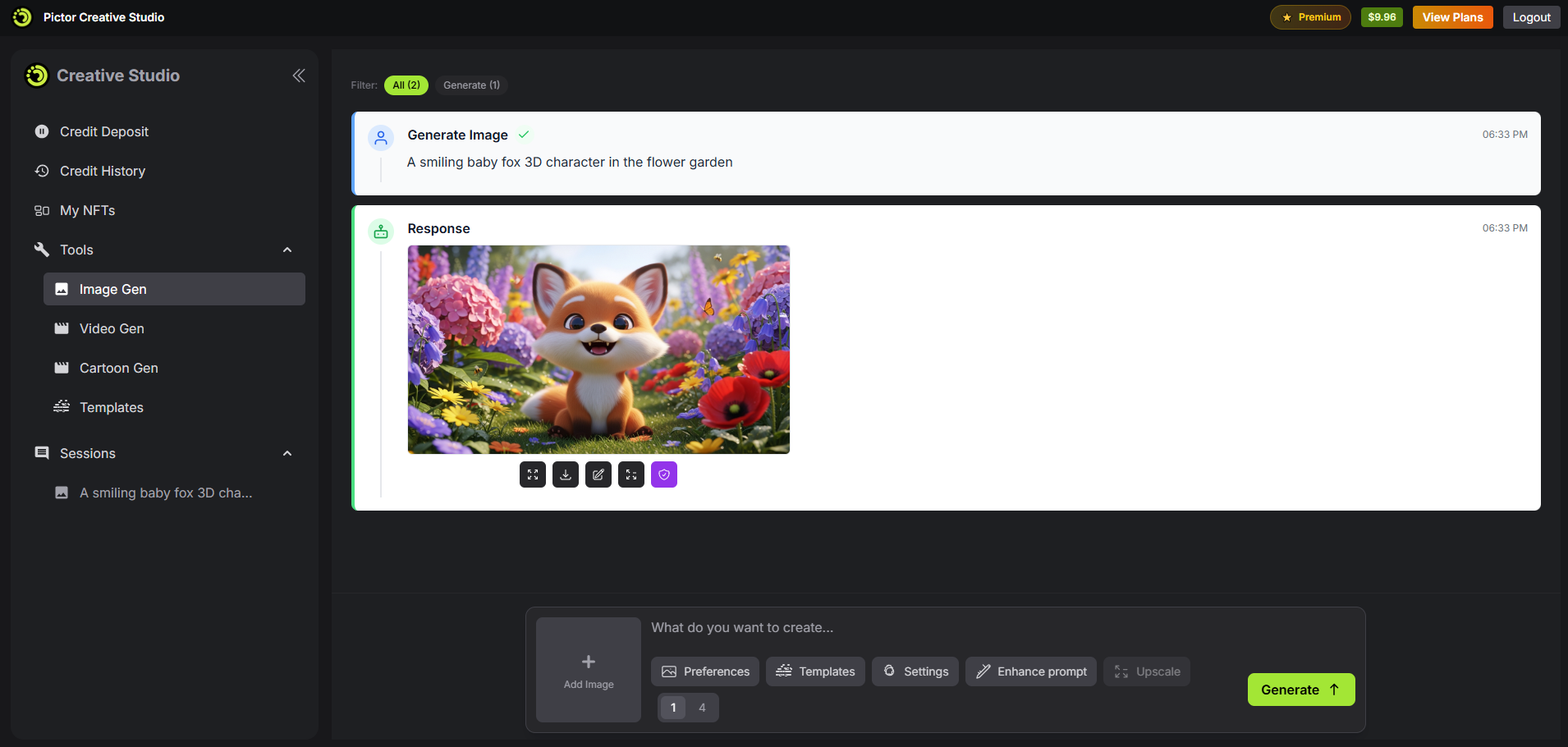
Image Gen tool

Image Generation enables creators to produce, refine, and enhance images using AI, covering the full workflow from initial concept to high-quality visual output.

  • Text-to-Image: generate images from text prompts

  • Image-to-Image: generate images using a reference image combined with a text prompt

  • AI Image Editor:

    • Edit specific areas using prompt-based selection

    • Change image style, colors, or background

    • Upscale images to higher resolution

    • Enhance prompts automatically for better results

Video Generation

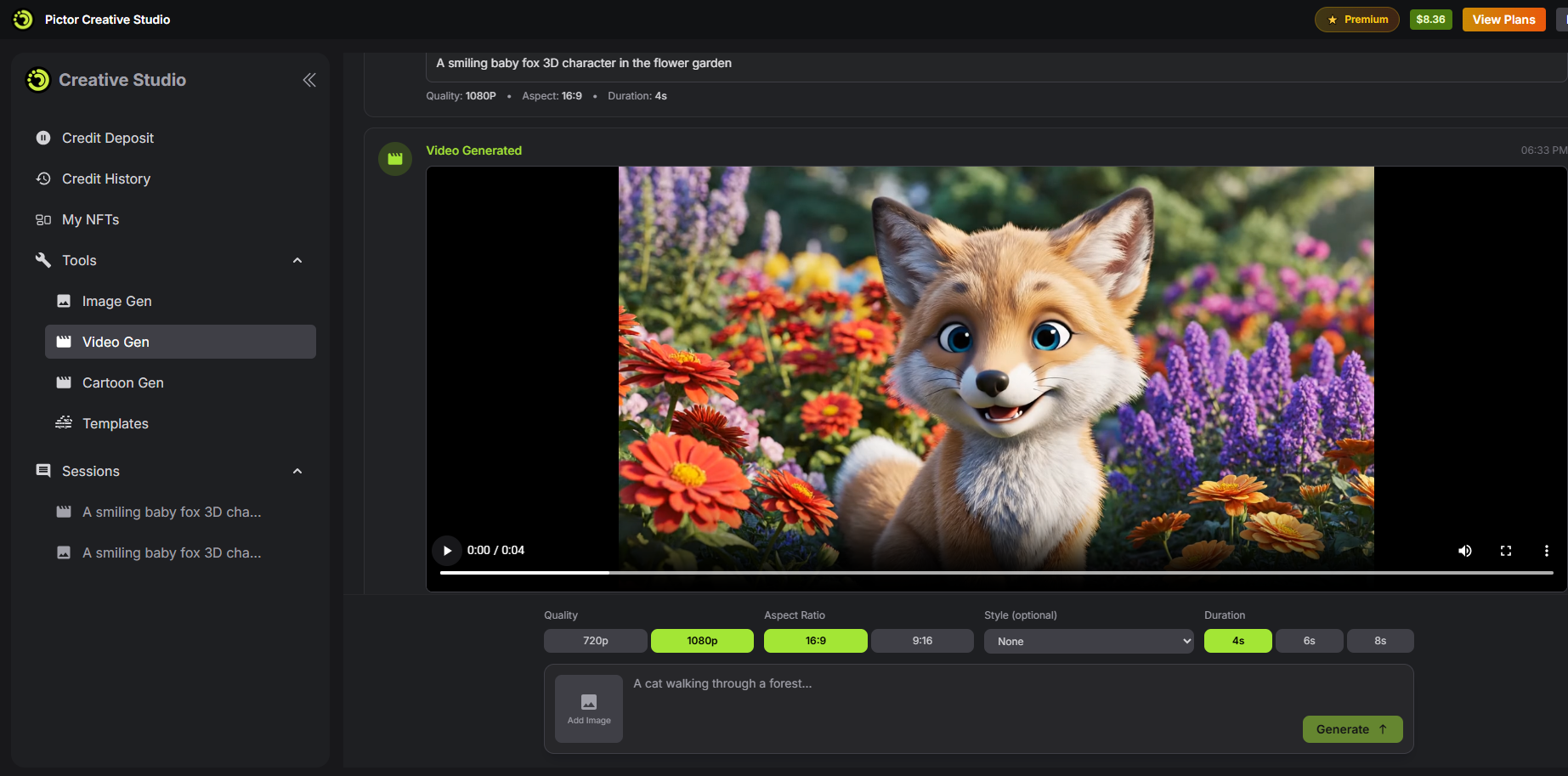
Video Gen tool

Video Generation allows users to create dynamic videos from text or images, with flexible controls over quality, format, and duration to suit different creative needs.

  • Text-to-Video: generate videos directly from text descriptions

  • Image-to-Video: generate videos using a reference image and prompts

  • Configurable options:

    • Video quality

    • Aspect ratio

    • Duration

Cartoon Generation

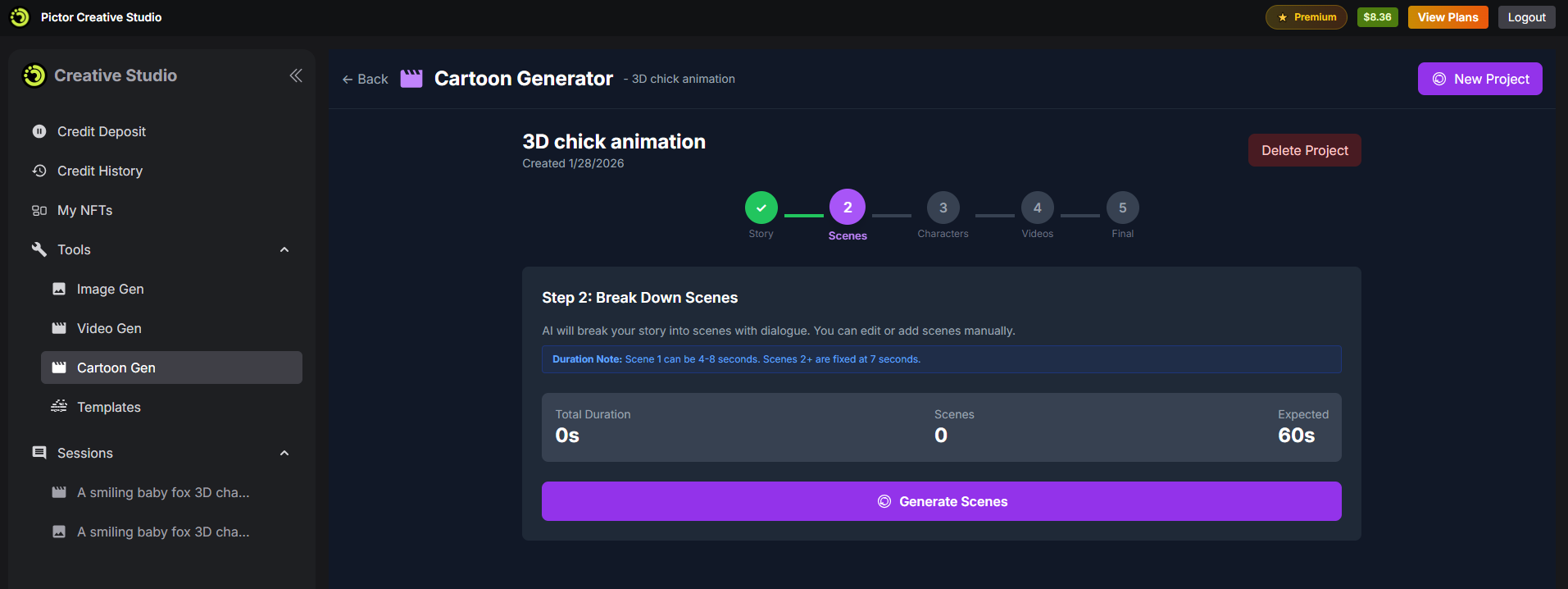
Cartoon Gen tool

Cartoon Gen is designed for creating consistent, story-driven videos, avoiding common issues such as character inconsistency across scenes.

Instead of generating isolated clips, Cartoon Gen follows a structured AI pipeline:

Story → Scenes → Characters → Videos

  • Story: define the overall narrative

  • Scenes: break the story into smaller scenes

  • Characters: generate and lock character designs for consistency

  • Videos: generate videos for each scene based on the defined pipeline

This workflow is ideal for short films, episodic content, and animated storytelling.

Notes

  • Dedicated console: Pictor's AI Creative Studio runs on a separate console at creative.pictor.networkarrow-up-right

  • Credit-based usage: All tools use credits, which can be topped up or included through subscription plans.

  • Clear credit tracking: Credit usage and balance changes are recorded clearly so users can easily track their spending.

Next steps

Last updated