> For the complete documentation index, see [llms.txt](https://docs.pictor.network/docs/llms.txt). Markdown versions of documentation pages are available by appending `.md` to page URLs; this page is available as [Markdown](https://docs.pictor.network/docs/pictor-ecosystem/pictor-creative-studio.md).
# Pictor Creative Studio
Access Pictor Creative Studio to instantly bring your ideas to life with AI-powered image and video generation.
[Pictor Creative Studio](https://creative.pictor.network/) is a dedicated console for AI-powered image and video generation.\
After signing in, you access a unified workspace that includes credit management, asset ownership, and multiple creative tools powered by AI.
## Credit Deposit
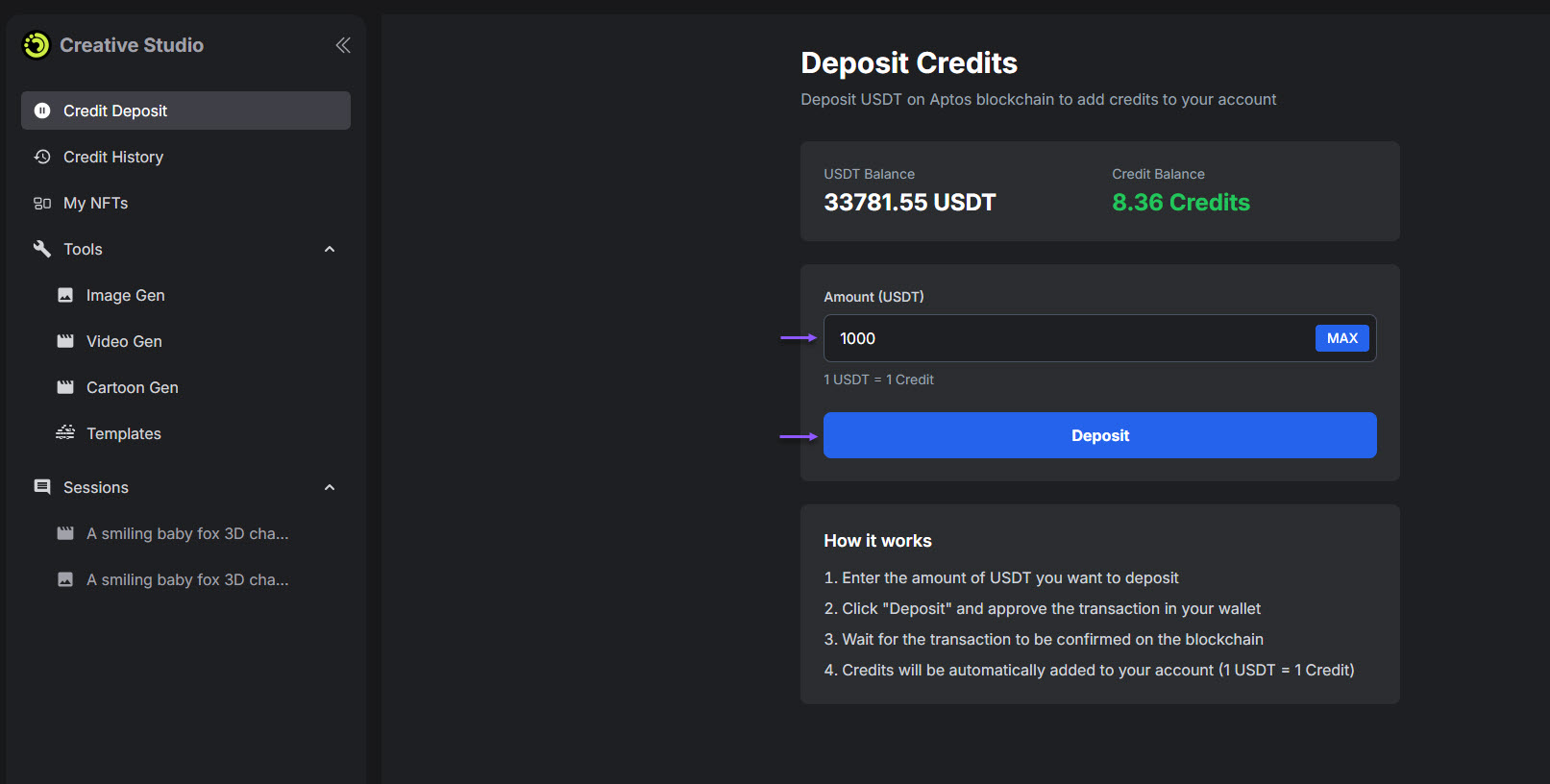
Credit Deposit page
The **Credit Deposit** page allows you to add credits to their account on the Pictor Creative Studio console.
* All generation activities consume credits, which are required before using any tool.
* Credits are deposited using supported payment methods and are reflected in the balance immediately after confirmation.
## Credit History
Credit History page
The **Credit History** page displays a detailed record of credit usage and balance changes.\
Each entry shows the date, action type, description, the number of credits consumed or added, and the updated balance after each action.
This page helps you track spending and understand how credits are used across different tools.
## My NFTs
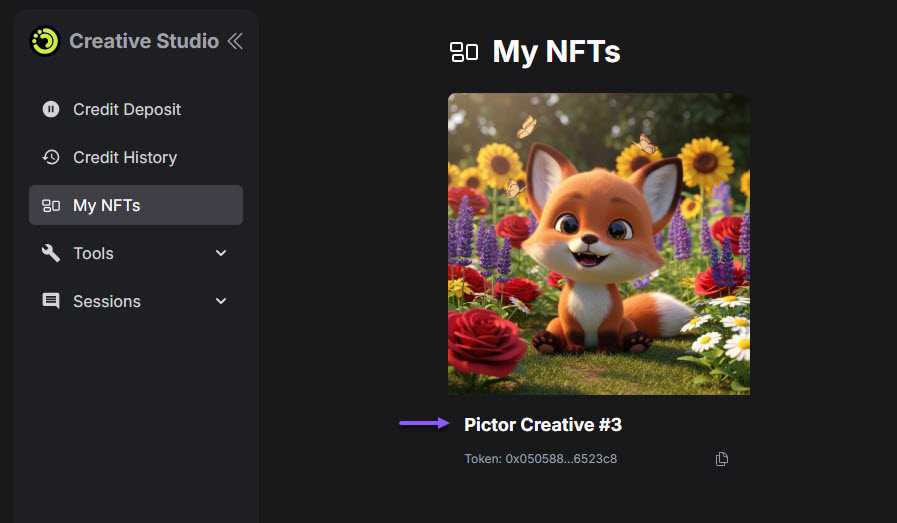
My NFTs page
The **My NFTs** page lists all NFTs that you have minted on Aptos from generated images.\
Each NFT is linked to your signed-in wallet and represents ownership of the corresponding image.
You can view NFT details such as its name and token directly on this page.
## Tools
The **Tools** section includes all AI generation features available in Pictor Creative Studio.
### Image Gen
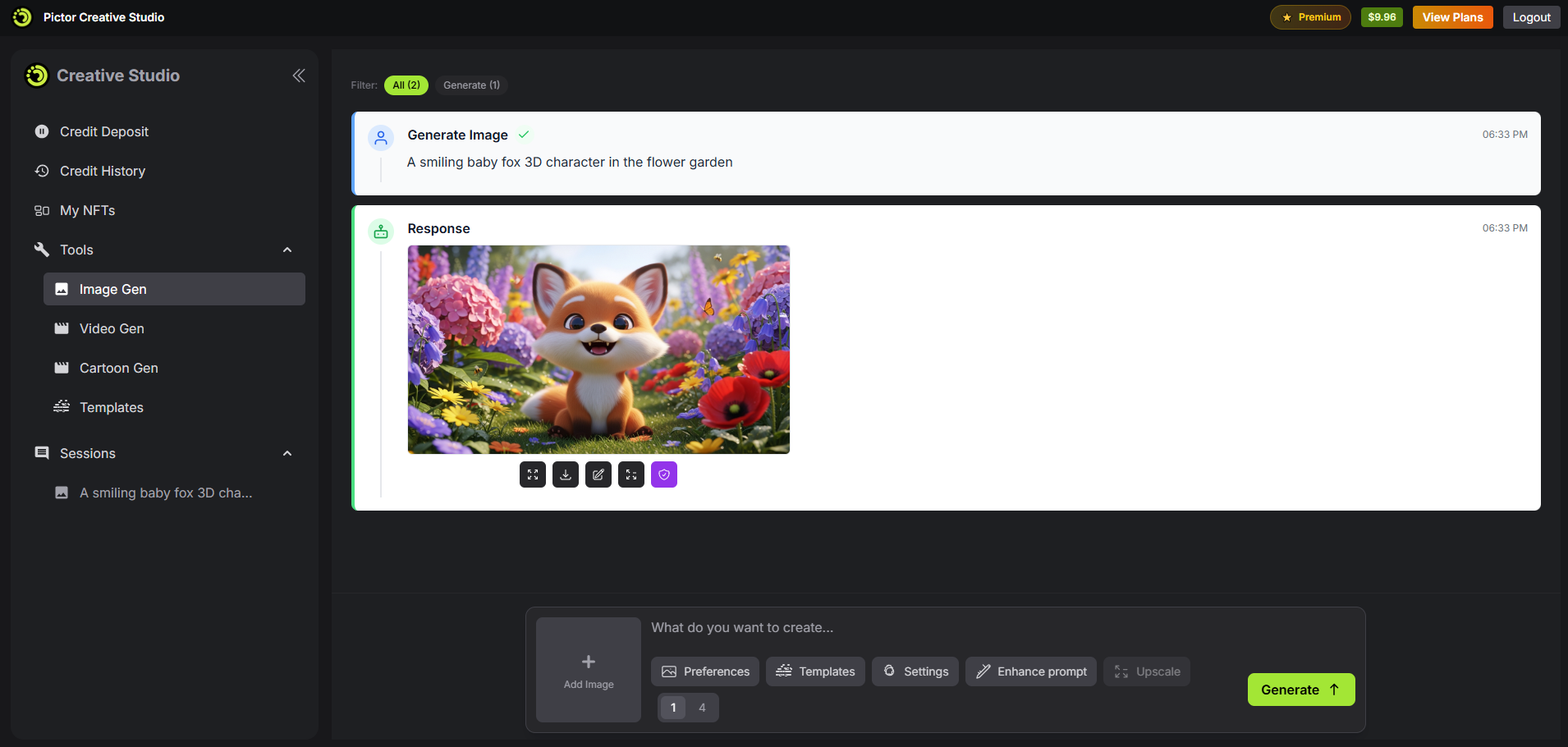
Image Gen tool
**Image Gen** generates images from text prompts or from prompts combined with reference images.\
You can select the number of output images and review the estimated credit cost before generating.
After generation, images can be downloaded or further edited using available image tools.
Visit [Get Started with Image Gen](https://docs.pictor.network/docs/services/ai-creative-studio/get-started#generate-image) for more details on how to generate images with AI on Pictor Creative Studio.
### Video Gen
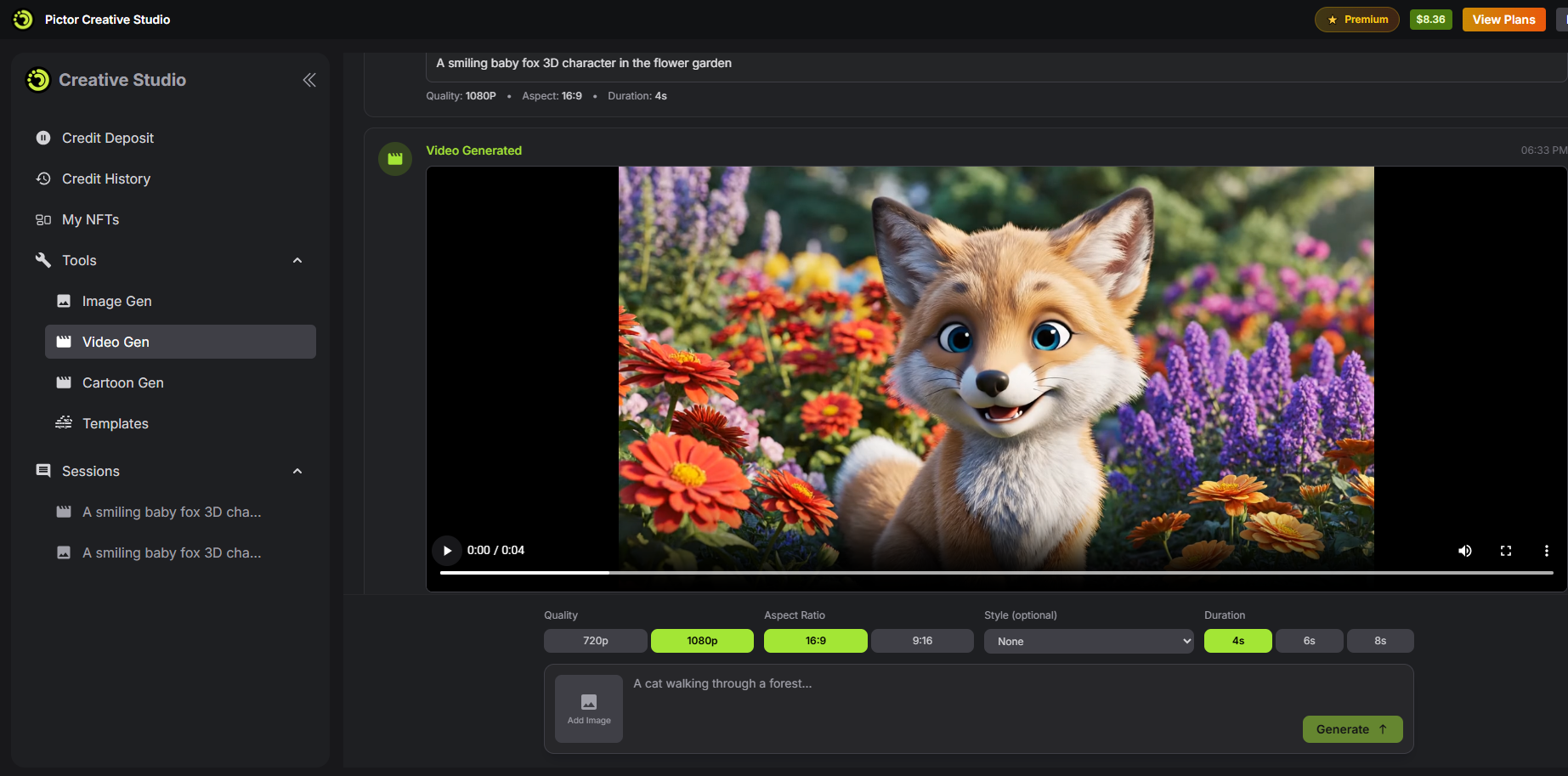
Video Gen tool
**Video Gen** generates individual video clips from text prompts or reference images.\
You can configure video quality, aspect ratio, and duration before generation.
This tool is designed for creating standalone video clips or experimenting with visual ideas.
Visit [Get Started with Video Gen](https://docs.pictor.network/docs/services/ai-creative-studio/get-started#video-gen) for more details on how to generate videos with AI on Pictor Creative Studio.
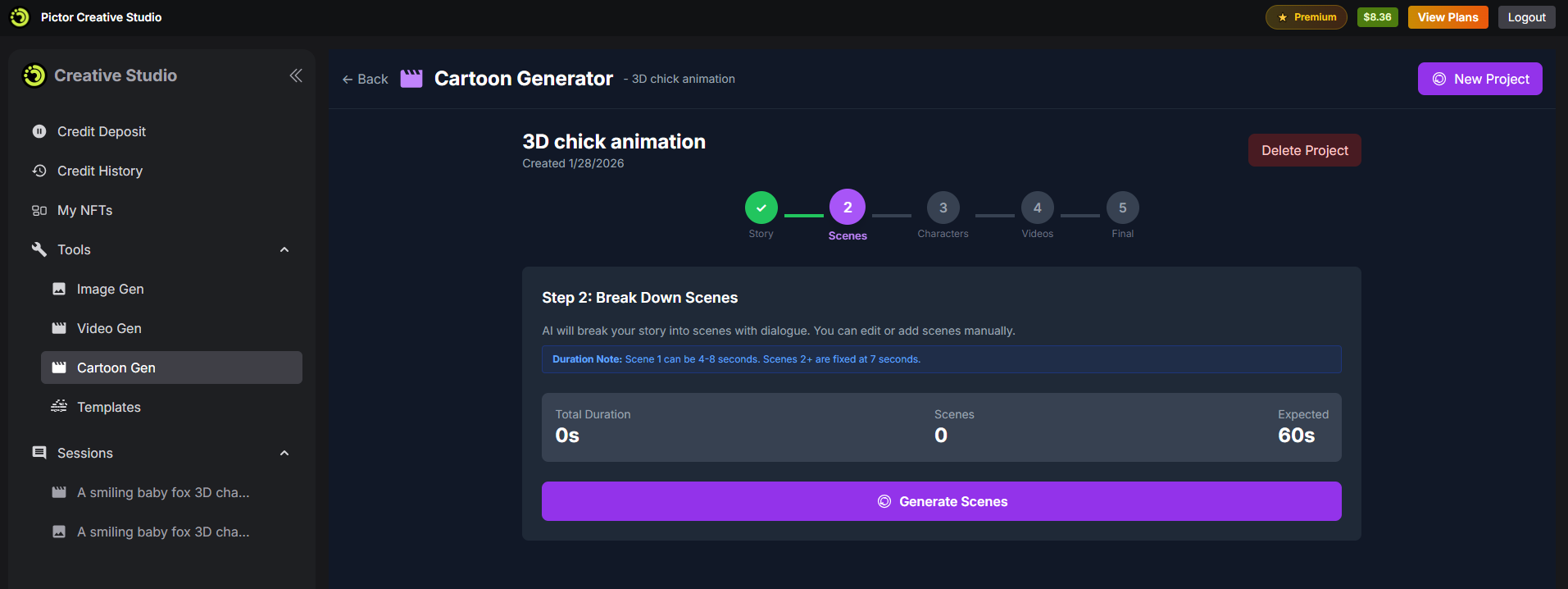
### Cartoon Gen
Cartoon Gen tool
**Cartoon Gen** is a project-based tool for creating full cartoon videos.\
Videos are generated through a structured pipeline that includes story, scenes, characters, and final video output.
Characters are reused across scenes to maintain visual consistency throughout the project.
Visit [Get Started with Cartoon Gen](https://docs.pictor.network/docs/services/ai-creative-studio/get-started#cartoon-gen) for more details on how to generate cartoon videos with AI on Pictor Creative Studio.
## Sessions
Sessions page
The **Sessions** page stores all generated outputs and active workflows.\
You can revisit previous generations, continue unfinished work, or review past results.
This page acts as the central history and workspace for all Creative Studio activities.