> For the complete documentation index, see [llms.txt](https://docs.pictor.network/docs/llms.txt). Markdown versions of documentation pages are available by appending `.md` to page URLs; this page is available as [Markdown](https://docs.pictor.network/docs/pictor-ecosystem/pictor-app/3d-rendering.md).
# 3D Rendering
Pictor’s core service for rendering 3D projects faster and more affordably — powered by decentralized GPUs.
**Pictor 3D Rendering** is a decentralized rendering service that is currently available through a web-based application. This means you can access and use it directly from your browser without installing additional software.
Currently, **Pictor 3D Rendering** supports Blender with Cycles and Eevee renderers. Support for other popular 3D software such as Cinema 4D, Redshift, Octane, Maya, Arnold, 3ds Max, V-Ray, Houdini, and more is coming soon.
Let’s explore the key services that **Pictor 3D Rendering** offers to our users.
### Submit Rendering Job
The Submit 3D Rendering Job feature is designed to simplify the rendering process for Creators, allowing them to initiate rendering tasks with ease and flexibility. This key service enables users to create rendering jobs by following a straightforward workflow.
**a. Upload project files**
**b. Adjust Settings and Submit Jobs**
* Adjust **Render Settings** such as 3D software and its version, render engine, output format, resolution, render frame/render node, etc.
* Configure **Network Settings** such as Worker location, Hardware configuration (GPU manufacturer, model, and number), and Pricing tier.
* Set **Payment Settings**: payment method.
### Monitor Rendering Progress
After the job is submitted, it will be rendered by Pictor’s aggregated Render Farms. In this processing stage, users can **monitor the progress of their rendering jobs in real-time**. Users can see the detailed real-time status of each frame (whether it’s queued, processing, or succeeded).
### Download Render Results
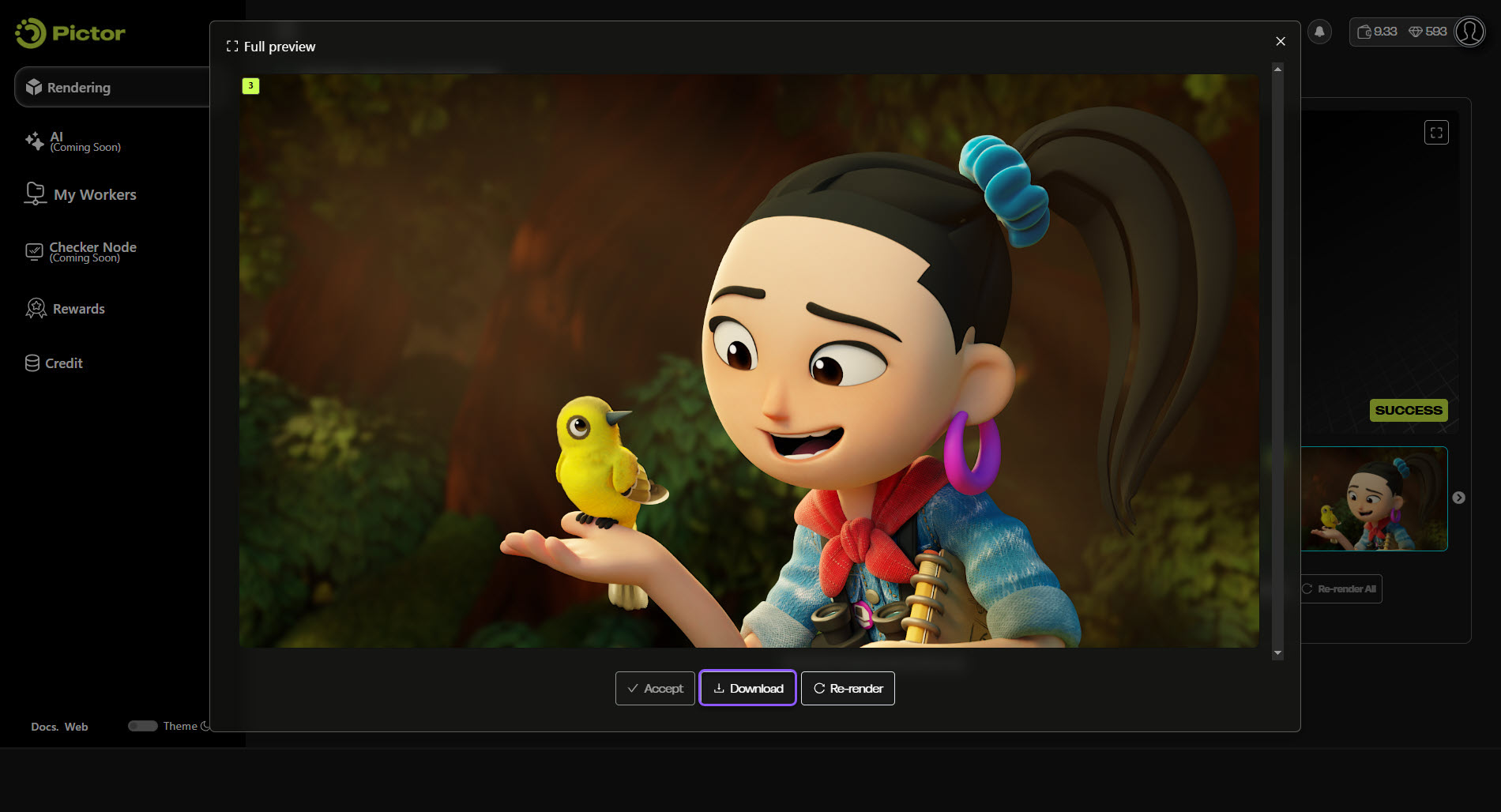
Once the rendering job is completed and accepted, Creators can download the final renders directly to their devices.
For more information, refer to [3D Rendering](https://docs.pictor.network/docs/services/3d-rendering/) and [3D Renting Get Started](https://docs.pictor.network/docs/services/3d-rendering/get-started) for a detailed guide.